
The 5 best live chat apps for customer support in 2027
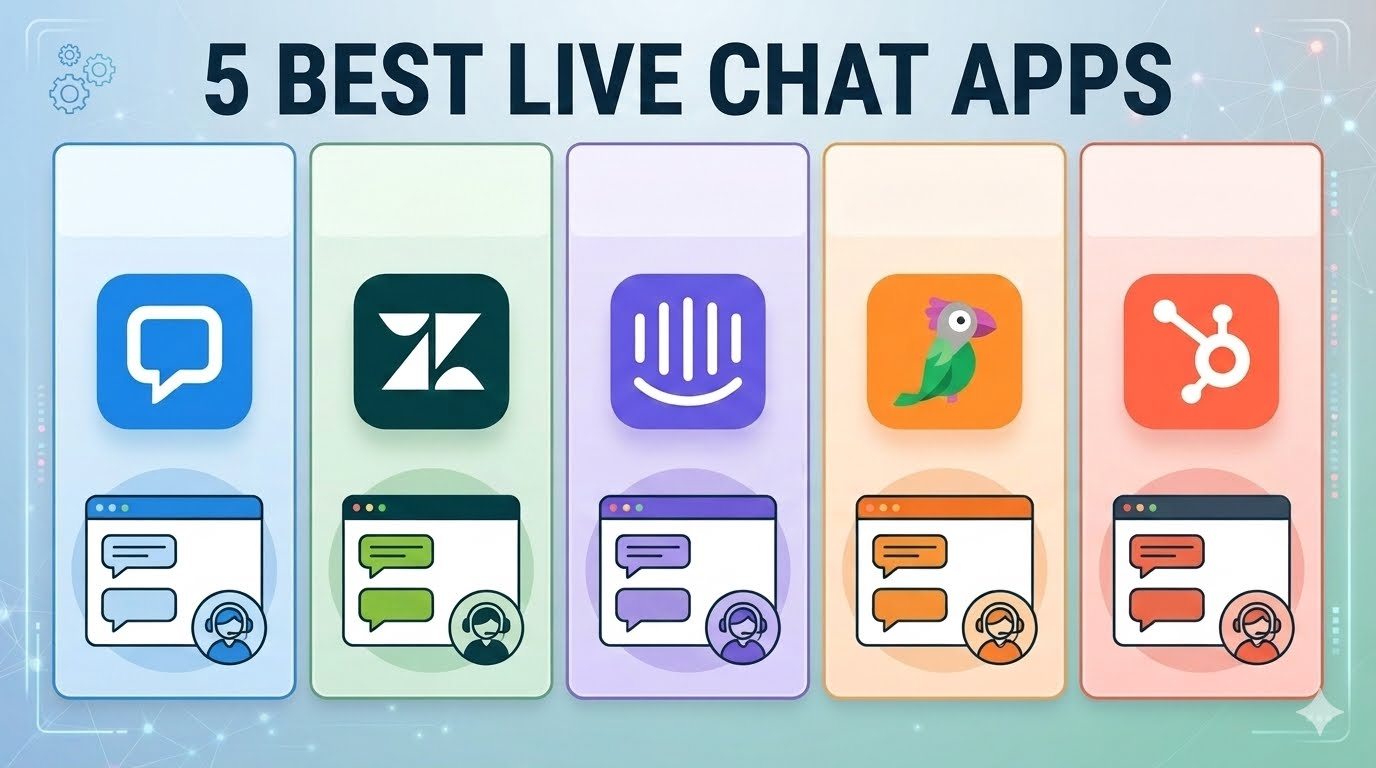
Two things changed in live chat over the past eighteen months, and both of them are about money. First, almost every vendor bolted an AI agent onto the widget. Second, most of them started charging for that agent by the resolution, which means your bill now moves with your traffic instead of your headcount.
A five-person team that paid $300 a month in 2024 can pay $900 today for the same tool without adding a single seat.
So this list is weighted toward predictable pricing. The five tools below all do the basics well (a widget, a shared inbox, canned replies, mobile apps, some kind of bot). What separates them is how the invoice behaves when a good month sends you 3,000 chats instead of 800.
The shortlist
- EasyChatDesk – flat per-agent pricing, AI and ticketing included
- Fin (formerly Intercom) – the most polished product, priced per resolution
- Tidio – ecommerce favourite with a real free plan
- LiveChat – pure chat, done very well
- Zendesk – the full support operation
Prices are per agent, billed annually unless noted. Monthly billing is typically 15 to 25% higher.
1. EasyChatDesk
EasyChatDesk is a live chat widget, AI chatbot and ticketing help desk sold as one product, and it’s the tool I’d point most small and mid-sized teams to first. The main reason is structural: pricing is per active agent, the AI credits are bundled into the plan, and there’s no per-resolution meter running in the background. You know what you’ll pay in January and it’s the same number in July.
Setup is one JavaScript snippet before </body>, or a WordPress plugin. Any chat converts to a ticket in one click with the full transcript attached, and email tickets land in the same inbox as chats.
What you get
- Native connectors for Shopify, WooCommerce, WordPress, Slack and Zapier
- Apple iMessage channel on Business and Platinum, which few competitors at this price offer
- Widget and AI bot handle 55+ languages and reply in whatever language the visitor writes in
- AI agent (Professional and up) trains on your help docs, FAQs and past tickets, and hands off to a human when stuck
- Custom offline forms with file uploads, GDPR consent and spam protection
- Mobile and browser apps for agents
In practice the AI agent is the feature that pays for the subscription, since it kills the “where is my order” and “do you ship to Germany” traffic before an agent sees it.
Cost
| Plan | Annual | Monthly | Highlights |
| Starter | $17/agent | $21/agent | Widget, ticketing, 90-day history, 100 tracked visitors |
| Professional | $33/agent | $41/agent | AI chatbot, 5,000 AI credits, unlimited history, branding removal |
| Business | $199/agent | $249/agent | 15,000 AI credits, 2 AI agents, help desk, scheduler, iMessage |
| Platinum | $349/agent | $399/agent | 45,000 AI credits, 3 AI agents, unlimited visitors |
Every plan starts with a 15-day free trial, no card required. Enterprise deals include on-prem hosting and SSO for GDPR-strict teams.
Pros
- Flat per-agent pricing with AI included from $33
- Live chat, bot and ticketing in one inbox, so you’re not stitching three tools together
- EU data residency and a free DPA
- Most teams are live in about five minutes
- Branding removal on Professional, not locked behind a $700 tier
Cons
- Younger product, so the integration catalogue is shorter (no HubSpot or Salesforce connector yet)
- Steep jump from Professional to Business if you only need one or two extra features
- Reporting on Starter is basic
Best for: ecommerce stores, agencies and SaaS teams of 1 to 25 agents who want AI support without a usage meter. Site: easychatdesk.com
2. Fin (formerly Intercom)
Intercom renamed itself Fin in May 2026 after its AI agent, and a month later signed a deal to be acquired by Salesforce for roughly $3.6 billion. The product is still the most polished messenger on the market. The inbox is fast, the help centre is well integrated, and Fin the agent resolves a genuinely high share of tickets when it’s fed good documentation.
The problem is the bill. Seats are one layer, AI resolutions are another, and add-ons sit on top of both.
Cost
- Essential $29, Advanced $85, Expert $132 per seat (annual)
- Fin AI agent: $0.99 per conversation it resolves without a human, 50-resolution monthly minimum
- Copilot for agents: about $29 per seat
- Proactive Support Plus (tours, surveys): $99/month
- Early-stage startups get around 90% off in year one
Run the maths on a two-agent team: 500 Fin resolutions a month is roughly $665 total. At 5,000 resolutions it’s around $5,100. Same team, same product. The better the bot gets, the more you pay, and you don’t control how many conversations Fin marks as resolved.
Pros
- Best-in-class agent UX
- Fin is a very good AI agent
- Enormous integration ecosystem
- Strong for SaaS teams who also want in-app messaging and onboarding
Cons
- Unpredictable invoices once AI is on
- Add-ons stack quickly
- Pricing will likely shift after the Salesforce acquisition closes, which makes multi-year contracts a gamble right now
Best for: funded SaaS companies with support volume that justifies a usage-based model, and a finance team to forecast it.
3. Tidio
Tidio is the ecommerce favourite, especially for Shopify stores, and the free plan (50 conversations a month) is real enough to run a small shop on for a while. Lyro, the AI agent, answers well once it’s trained on your product pages, and order lookups happen inside the chat.
Lyro is also the sticking point. The cheap plans include a one-time pool of 50 AI conversations, after which you buy it as an add-on.
Cost
- Free: 50 conversations/month
- Starter: $29/month (about $24 annual)
- Growth: $59 to $349/month depending on conversation volume (from about $49 annual), max 10 agents
- Plus: from $749/month
- Premium: from $2,999/month
- Add-ons: Lyro AI from about $39/month, Flows from about $29/month, branding removal $20/month on Growth
A realistic Growth setup with both add-ons lands around $105 to $150 a month, which is fine, but it isn’t the $59 on the pricing page. And above Growth the next stop is $749. There is nothing in between, and every self-serve plan caps you at 10 agents.
Pros
- Best free plan on this list
- Excellent Shopify and WooCommerce integration
- Lyro answers well when trained on product pages
- Easy to learn
Cons
- Three separate billing meters (conversations, Lyro conversations, Flow triggers)
- The $59 to $749 gap
- 10-agent cap on self-serve plans
- Users reported price increases with short notice in 2024
Best for: single-brand ecommerce stores with under 10 agents and steady, moderate volume.
4. LiveChat
LiveChat has been doing one thing since 2002 and does it well. The agent app is fast, the widget is one of the most customisable, and it runs on any number of websites under one account at no extra cost. Reporting is deep for a tool this size, and there’s a marketplace of 200+ integrations.
Ticketing is thin, though. LiveChat pushes you toward its sister product HelpDesk for anything email-shaped, and the AI chatbot is a separate product too (ChatBot.com).
Cost
- Starter: $19/agent (100 tracked visitors)
- Team: $49/agent (400 tracked visitors)
- Business: $79/agent (1,000 tracked visitors)
- Month-to-month starts at $41/agent
- ChatBot: from about $52/month for one bot
A ten-agent team on Team plus one bot is about $540 a month.
Pros
- Rock-solid chat experience
- Unlimited websites on one plan
- Strong reporting and agent performance stats
- Lots of pre-chat and post-chat customisation
Cons
- AI and ticketing both cost extra
- Visitor tracking caps are low on Starter
- It’s a chat tool first, not a support platform
Best for: teams where chat is the primary channel and email is handled elsewhere.
5. Zendesk
Zendesk is here because at some size you stop shopping for live chat and start shopping for a support operation, and Zendesk is still the default answer. Live chat comes bundled in Suite Team alongside email, voice, social messaging, a knowledge base and a small allowance of AI resolutions.
The sticker is not what you pay. A five-agent team on Suite Team with Copilot and a modest resolution volume is closer to $700 a month than the $275 on the page.
Cost
- Support Team: $19/agent (email and ticketing only)
- Suite Team: $55/agent (adds chat, messaging, voice, knowledge base)
- Suite Professional: $115/agent (adds skills-based routing, custom reporting, HIPAA option)
- Suite Enterprise + Copilot: contact sales
- Add-ons: Copilot $50/agent, workforce engagement $50/agent, voice bundle $83/agent
- AI Agents billed per automated resolution; rates aren’t published, mid-market deals in 2026 landed around $1 to $2 each
- Monthly billing runs roughly 30% higher
Pros
- Handles every channel in one queue
- Best routing, SLA and reporting tools on this list
- Sandbox, custom roles and multi-brand at Enterprise
- Thousands of integrations
Cons
- Expensive and complex to configure
- Add-ons can double the base price
- Overkill for anyone under about 15 agents
- Onboarding often needs a consultant
Best for: 25+ agent teams with multiple brands, phone support, or compliance requirements.
How to add live chat to your website
Every tool above installs the same way, and the whole thing takes under ten minutes on most sites.
Step by step
- Sign up for the chat tool and open its installation page. You’ll see a JavaScript snippet, usually 5 to 10 lines starting with <script>.
- Copy that snippet and paste it into your site’s HTML just before the closing </body> tag. Put it in your site-wide footer template, not on individual pages, so the widget shows everywhere.
- On a CMS, use the built-in hook instead of editing theme files (see below).
- Publish, then open your site in a private window. The chat bubble should appear in the bottom corner. If it doesn’t, check that the snippet isn’t wrapped in a cookie-consent block that hasn’t fired yet, and that your ad blocker is off.
- In the dashboard, set online hours, write a greeting, upload a logo and pick a colour that matches your site. Add an offline form for when nobody’s around.
- Invite your agents, install the mobile app, and send a test chat from your phone to make sure notifications arrive.
Where to paste the snippet on each platform
- WordPress: install the vendor’s plugin, or use a “header and footer scripts” plugin so the code survives theme updates
- Shopify: Online Store → Themes → Edit code → theme.liquid, before </body>, or install the app from the Shopify App Store
- WooCommerce: same as WordPress
- Wix: Settings → Custom Code → add to body end
- Squarespace: Settings → Advanced → Code Injection → Footer
- Webflow: Project Settings → Custom Code → Footer Code
If you’re on EasyChatDesk, Tidio or LiveChat, this is a one-click plugin install on WordPress and Shopify. Zendesk and Fin need channel setup and routing rules before the widget goes live, so budget an afternoon rather than ten minutes.
Before you switch the bot on
Whatever tool you pick, turn the AI agent on with a small scope first (shipping, returns, hours) and watch the transcripts for a week before letting it answer everything. A bot that confidently gives wrong refund policy costs more than the chats it deflects.


